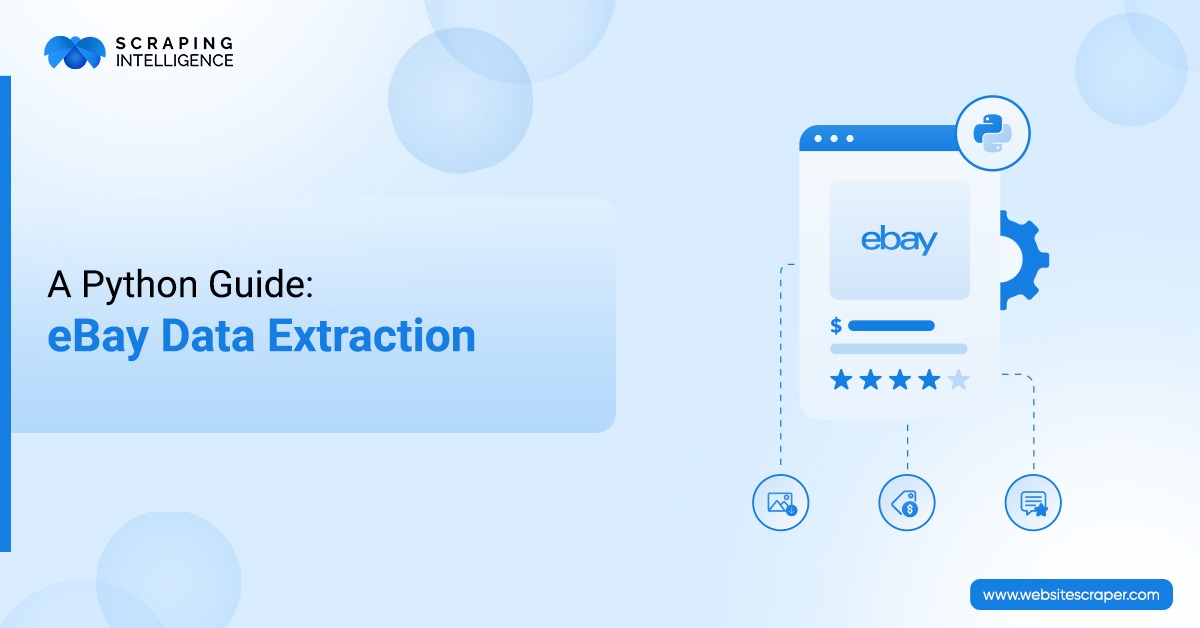
eBay is a highly prominent online marketplace that is well known for selling numerous products at affordable prices, trailing only Amazon and Walmart. This platform contains data on a large scale. Scraping eBay provides strategic advantages, growth management, operational efficiency, and market monitoring. Web scraping is one of the emerging concepts that helps you accomplish your business milestones. Scraping Intelligence plays a dominant role in the market that provides accurate and reliable data for your business research and analysis. It uses the latest methods to securely extract needed information from eBay. In this eBay scraping blog, we will learn how to extract eBay product data using Python step by step.
What is eBay Product Data Extraction?
eBay Product Data Extraction refers to an automated process to extract product name, description, SKU, seller name, feedback score, location, seller type, etc. This process operates in the following ways:
Visit URL: Visit the eBay product listing page URL.
Collect Data: The data scraping process parses HTML content and collects specific data.
Cleaning and Normalization: Collected raw data is normalized and cleaned to convert it into actionable insights.
Export: Data is then exported to CSV/JSON files.
Key Importance of eBay Product Data Extraction
Scraping eBay products helps your business in many ways. Some of these benefits are as follows:
Profitability Boosts: Scraping data from online stores provides customer insights that are leveraged to improve sales strategy. It also empowers you to conduct competitor analysis and identify new opportunities.
Competitive Advantage: eBay data extraction helps you benchmark your business against competitors. It provides operational excellence and improves your brand value in the market.
Dynamic Pricing: Actively monitoring eBay market rates protects your profit margins in a fast-paced market. You can also track demand spikes and tweak your pricing in real-time.
Setting Up Your Python Environment
Before we start writing Python code to extract product data, you must fulfill a few prerequisites.
Install Python: You need to use the latest version of Python. If you are a developer, you likely know about Python’s advantages. This lightweight general-purpose scripting language will help us to meet our eBay product data scraping goal.
Install essential libraries: requests, JSON, pandas, and BeautifulSoup.
Requests: You need to install a request library to send HTML requests and handle responses (headers, access status, body). This library helps manage parameters by parsing query strings and data.
Pandas: This is a Python library for better cleaning and organizing the eBay product data.
BeautifulSoup: This library is useful for collecting eBay listing page content such as links, text, and images. BeautifulSoup can traverse the DOM structure and locate elements.
Step-by-Step: Scraping eBay Product Data Using Python
We will now go through a step-by-step approach to scrape product data from eBay using Python. Our Python script logic will extract laptop data from this e-commerce website.
Step 1: Install BeautifulSoup and Pandas
Write the following code in your command prompt or terminal on your PC.
pip install requests beautifulsoup4 pandas
Step 2: Import Libraries
Now, we will import all the necessary Python libraries.
import requests
from bs4 import BeautifulSoup
import pandas as pd
The above statement will import Requests, BeautifulSoup, and Pandas into the Python IDE.
Step 3: Choose Target URL
We will type the word “laptop” in the eBay search bar and extract product details. Write the code below.
This code will get the HTTP response to our eBay product URL, collect raw HTML code, and store the string in the html_content variable.
Step 5: Parse HTML
Now, it's time to navigate the DOM structure and extract data.
soup = BeautifulSoup(html_content, "html.parser")
Step 6: Locate Product Containers
Press F12 or open dev tools. This is required to inspect the HTML structure of eBay.
items = soup.find_all("li", class_="s-item")

This Python code will find product listings inside either <li> or <div>.
Step 7: Extract Product Details
After locating the product container, we will extract the product title, price, and link, and append them. The following code demonstrates this.
data = []
for item in items:
    title = item.find("h3", class_="s-item__title")
    price = item.find("span", class_="s-item__price")
    link = item.find("a", class_="s-item__link")

    if title and price and link:
        data.append({
            "Title": title.text,
            "Price": price.text,
            "Link": link['href']
        })
Step 8: Store Collected Data in Pandas DataFrame
Step no 8 is to store data in a structured format.
df = pd.DataFrame(data)
print(df.head())
Our code will load scraped data, preview the first 5 rows, and then verify its consistency.
Step 9: Save Data to CSV
Finally, the laptop title, price, and link are stored in a CSV file named ‘ebay_products.csv’.
df.to_csv("ebay_products.csv", index=False)
Step 10: Handle Pagination
This is an optional step; it is required to follow only if you wish to handle pagination.
for page in range(1, 6):  # scrape pages 1 to 5
    url = base_url + str(page)
    response = requests.get(url)
    soup = BeautifulSoup(response.text, "html.parser")

    items = soup.find_all("li", class_="s-item")
The for loop we have written here will iterate from one page to the next.
Handling Data Quality and Ethical Considerations
You should ensure that you collect only high-quality data with ethical consideration so that you can accurately identify trends.
Data Quality Practices
Clean and Validate Data: You have to remove duplicate data and avoid double-counting. A good data quality practice involves standardizing formats to ensure consistency, validating accuracy, and improving reliability.
Cross-Check Accuracy: Always verify the scraped value to ensure data accuracy. Also, detect inconsistencies to avoid false insights. You should validate key fields to build user trust.
Error Handling: To prevent code crashes, you need to catch missing tags. Additionally, ensure smooth scraping by handling bad or error-prone requests. You can also improve reliability by retrying failed calls.
Standardize Formats: Use a uniform price format to facilitate easy comparison. Maintain a consistent date style to simplify time analysis and standardize text to improve searchability.
Ethical Considerations
Respect Site Policies: You need to follow robots.txt to honor site guidelines. If you would like to avoid legal issues, you can check the site's terms of use.
Protect Privacy: Always respect user rights. You should never collect sensitive user data such as credit card numbers, email ID, mobile number, or financial information.
Avoid Overloading Servers: Do not scrape eBay data aggressively. Limit the request rate so that you can prevent server strain. Use polite delays to ensure fair access.
Responsible Use: Extract data from eBy ethically to maintain public trust. Make sure you adhere to the website terms of service, GDPR, and CCPA regulations.
Challenges and Solutions in Extracting eBay Product Data
You may face the following challenges when you scrape product data from eBay:
Anti-Scraping Measures: eBay's site uses CAPTCHA and IP blocking measures to prevent bot scraping data. This issue can be solved by using request throttling or headless browsers.
Dynamic Content Loading: Websites like eBay load products by implementing JavaScript, making their listings difficult to scrape. Use either Selenium or Playwright to render JavaScript before extracting product data.
Huge Data Volume: As data grows, it is the default to analyze. The simple solution to this issue is to filter out the data. You can also store your large data in a scalable cloud storage.
How Scraping Intelligence Can Help You Collect eBay Product Data?
Scraping Intelligence is a global AI-powered data scraping solution provider. It can scrape a wide range of retail and large e-commerce websites.
The organization provides custom web crawling services for your business to tailor specific extraction. Our scalable solution handles large datasets.
We delivers high-quality data for decision-making. It helps you get reliable analytics to forecast trustworthy trends.
Our company enables real-time competitor tracking, ensuring you receive instant updates and the latest information.
To meet your legal needs, Our provider always follows GDPR and CCPA regulations based USA.
This blog is for those who want to learn to scrape eBay product data using Python. It details what eBay product data scraping is, its importance, the setup of a Python environment, and step-by-step instructions for data extraction.
Contact us to build your eBay Scraper now to get a competitive advantage.
Frequently Asked Questions
What is eBay product data scraping?+
eBay product data scraping refers to a step-by-step process to extract data such as product name, descriptions, reviews, ratings, seller information, URL, and more from eBay.
Is it legal to scrape eBay product data?+
The legality of scraping eBay product data is still unclear. The legal data scraping practices involve adhering to GDPR and CCPA. It also includes the following eBay site terms of service. To stay safe, you need to engage in ethical practice.
What data can you scrape from eBay?+
You can scrape a wide range of product data, including product name, SKU, brand, category, model, current price, URL links, and more from the eBay website.
Why should you extract eBay?+
You should scrape eBay to spot evolving trends, gain a competitive advantage, and strengthen your brand in the marketplace. eBay scraping is a powerful tool to collect high-quality structured data for market research and analysis.
What challenges do you face when scraping eBay product data?+
The primary challenges you face when scraping eBay product data are CAPTCHA and dynamic content loading. Sometimes you may also face difficulties in handling large data volumes.
Share this article:
About the Author
Scraping Intelligence
Scraping Intelligence Editorial Team is a collective of data specialists, analysts, and researchers with expertise in web scraping, data extraction, and market intelligence. The team produces well-researched guides, actionable insights, and industry-focused resources that help businesses unlock the value of data and make informed, strategic decisions.
Latest Blog
Explore our latest content pieces for every industry and audience seeking information about data scraping and advanced tools.
See how the travel industry uses web scraping to track fares, room rates, availability, and reviews, plus how to choose the right data extraction solution.
Discover how real estate web scraping helps agents, investors & brokers extract listings, prices & market trends. See 7 key benefits of real estate data scraping.