How to Build a Costco API with Web Scraping: A Step-by-Step Developer Guide
Category
E-commerce & Retail
Publish Date
May 25, 2026
Author
Scraping Intelligence
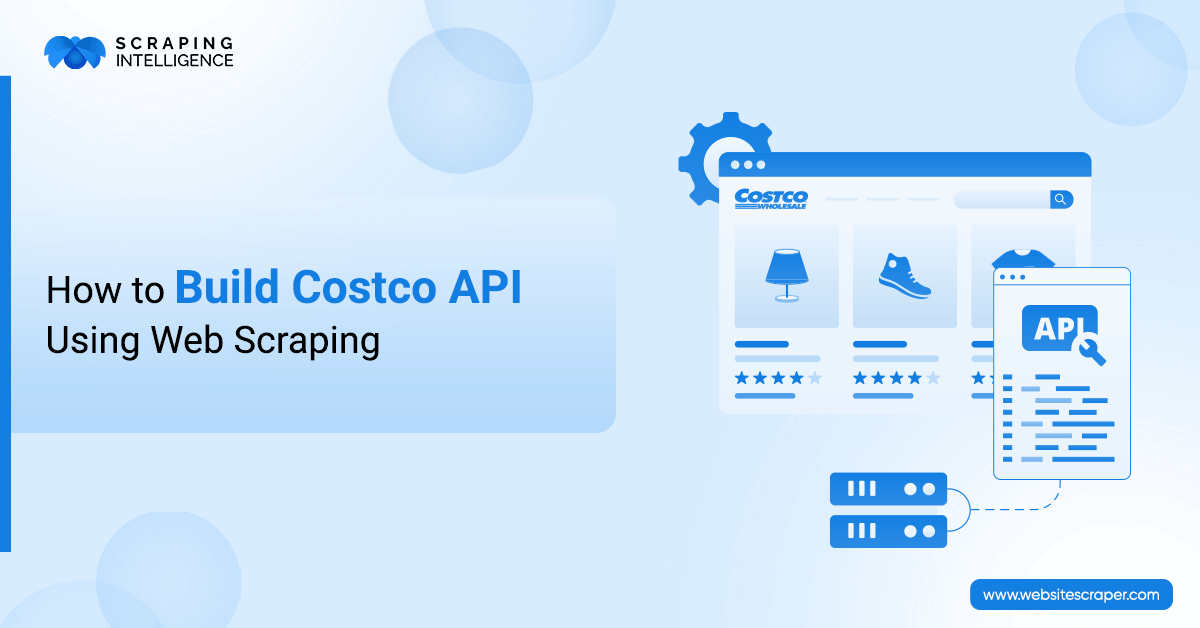
Retailers don't always offer public APIs. Therefore, developers often turn to web scraping to collect product data, pricing, and inventory details directly from retail websites. This guide walks you through building a fully functional custom API using web scraping techniques. You will learn how to extract structured data, handle dynamic content, and serve it through a clean API endpoint all without needing official access.
What Is a Costco API and Why Do Developers Need One?
A Costco API is a self-built service that pulls product prices, descriptions, availability, and categories directly from Costco's website and delivers that data through an endpoint your application can query. Since Costco restricts third-party API access, this scraping-based approach is the only realistic path.
Developers reach for this kind of setup for different reasons:
Price comparison apps that need updated retail pricing across product categories
Bulk purchasing tools that track stock availability for warehouse-level decisions
Catalog sync pipelines that push product details into external storefronts automatically
Research and analytics platforms that process large volumes of structured retail data
Scraping Intelligence sees retail data extraction as one of the most requested services across its client base, particularly for e-commerce and competitive intelligence use cases.
What Tools Do You Need to Build a Costco Web Scraping API?
Picking the wrong tools early creates problems that compound later. Costco loads product listings via JavaScript, so anything that only fetches raw HTML will return empty results. Here is what the full stack looks like:
Tool or Library
Role in the Pipeline
Language
Python + Requests
Sends HTTP requests, retrieves raw page content
Python
BeautifulSoup
Parses HTML and selects DOM elements
Python
Playwright or Selenium
Renders JavaScript before extraction begins
Python or Node
Scrapy
Manages large crawls with built-in pipelines
Python
FastAPI or Flask
Creates and serves REST API endpoints
Python
MongoDB or PostgreSQL
Stores product records between scraping runs
Database
Rotating Proxies
Prevents IP blocks and sidesteps rate limits
Middleware
Playwright is the better choice over Selenium here. The stealth plugin ecosystem for Playwright is more mature and handles modern JavaScript rendering with fewer configuration headaches.
How to Build a Costco Scraping API: Step-by-Step Process
Follow these six steps to set up your environment, write the scraper, handle bot detection, store the data, build the API endpoint, and automate the refresh cycle.
Step 1: Set Up Your Python Environment
Run this in your terminal to get every dependency in place:
The scraper and the API live in separate folders on purpose. When the site changes and your scraping logic breaks, you fix one module without touching the endpoint layer. That separation saves real time during maintenance.
Step 2: Write the Core Product Scraper
Playwright handles the JavaScript rendering. BeautifulSoup takes the rendered HTML and pulls out the fields you want. The function below does both:
# scraper/costco_scraper.py

from playwright.sync_api import sync_playwright
from bs4 import BeautifulSoup

def scrape_costco_products(category_url: str):
    products = []

    with sync_playwright() as p:
        browser = p.chromium.launch(headless=True)
        page = browser.new_page()

        page.set_extra_http_headers({
            "User-Agent": "Mozilla/5.0 (Windows NT 10.0; Win64; x64)"
        })

        page.goto(category_url, wait_until="networkidle")
        html = page.content()
        browser.close()

    soup = BeautifulSoup(html, "html.parser")
    product_cards = soup.find_all("div", class_="product-tile-set")

    for card in product_cards:
        name = card.find("span", class_="description")
        price = card.find("div", class_="price")
        link = card.find("a", href=True)

        if name and price:
            products.append({
                "name": name.text.strip(),
                "price": price.text.strip(),
                "url": "https://www.costco.com" + link["href"] if link else None
            })

    return products
CSS class names on retail sites do not stay fixed. Costco has updated its front-end layout multiple times. Always open browser developer tools and confirm the current class names against what is in your scraper before each run.
Step 3: Deal With Bot Detection the Right Way
Costco runs bot detection. Requests that look automated get throttled or blocked. The barriers are predictable, and each one has a known fix:
Anti-Scraping Barriers and Their Solutions
IP Rate Limiting: Route requests through rotating residential proxies so no single IP fires too many requests
CAPTCHA: Use a solving service like 2Captcha or CapSolver, integrated directly into the request flow
JavaScript Challenges: Run Playwright with a stealth plugin to strip headless browser fingerprints from outgoing requests
Session Tracking: Initialize Playwright browser contexts and persist cookies across the full session
Device Fingerprinting: Randomize viewport sizes and user-agent strings on every new browser launch
Scraping Intelligence consistently ranks randomized request delays among the most effective and simplest defenses against automated detection. Two to five seconds between requests closely mimics real browsing behavior and passes most rate-limit checks.
import time
import random

time.sleep(random.uniform(2, 5))
Step 4: Persist the Scraped Data
In-memory data disappears when the script ends. MongoDB is a natural fit for product records because each item comes back as a nested object with variable fields. The function below saves records and handles duplicates cleanly:
from pymongo import MongoClient

def save_to_mongo(products: list):
    client = MongoClient("mongodb://localhost:27017/")
    db = client["costco_data"]
    collection = db["products"]

    for product in products:
        collection.update_one(
            {"name": product["name"]},
            {"$set": product},
            upsert=True
        )

    print(f"Saved {len(products)} products to MongoDB.")
upsert=True is doing the heavy lifting on deduplication. When a product already exists in the collection, it gets updated rather than duplicated. Run the scraper 100 times, and the database stays clean.
Step 5: Serve the Data Through a FastAPI Endpoint
Stored data is only useful if something can query it. FastAPI makes this part fast to build. It automatically generates interactive documentation, speeding up testing without requiring a separate API client.
Go to http://localhost:8000/docs and the Swagger UI loads automatically. Both endpoints are testable from the browser without writing any client code.
Step 6: Automate the Refresh Cycle
Prices shift. Availability changes. A dataset that was accurate yesterday may not reflect what is on the site today. APScheduler handles background refresh jobs without the need for a dedicated service or task queue.
Price monitoring works well at six-hour intervals. For slower-moving catalog data, once or twice per day is sufficient. Align the refresh rate with the speed at which your specific use case needs fresh Costco product data.
What Are the Legal Considerations of Web Scraping Costco?
This section matters. Ignoring it creates real risk.
robots.txt: Review https://www.costco.com/robots.txt before scraping anything. Paths flagged as disallowed should be off-limits entirely.
Terms of Service: Costco's Terms of Service specifically prohibit automated data collection. Please check the current version before going into production.
User Data: Do not collect purchase histories, account information, or any personally identifiable data at any point.
Request Volume: Aggressive scraping rates have led to computer fraud claims in certain U.S. jurisdictions. Keep request volume reasonable.
Costco API vs. Web Scraping: Which Approach Is Better?
Since Costco does not offer a public API, web scraping is often the most practical option for most developers who need structured retail data.
Factor
Official API
Web Scraping
Data Freshness
Real time
Refreshed on a set schedule
Cost
Free or tiered subscription
Infrastructure and proxy costs only
Reliability
High, with guaranteed availability
Moderate, breaks on front-end changes
Data Scope
Limited to API-exposed fields
Any publicly visible page content
Legal Exposure
None
Moderate, depends on Terms of Service
How Scraping Intelligence Helps With Retail Data Extraction?
Scraping Intelligence offers managed web scraping services that handle the heavy lifting including proxy rotation, CAPTCHA solving, dynamic rendering, and structured data delivery. Instead of maintaining a scraper yourself, you can receive clean, formatted product data via API on a schedule that works for your business.
Their platform supports e-commerce data extraction, price monitoring, and product catalog scraping at scale making it especially valuable for developers who need reliable retail data without building the infrastructure from scratch.
Conclusion
A working Costco API built on web scraping is a realistic engineering project with a clear, repeatable structure. The playwright renders the pages. BeautifulSoup extracts the fields. MongoDB stores the records. FastAPI serves the endpoint. Each piece is modular, meaning nothing about this stack is locked in. Swap MongoDB for PostgreSQL, or Flask for FastAPI, and the rest still holds.
Teams that want to skip infrastructure entirely can work directly with Scraping Intelligence for on-demand managed retail data extraction.
Frequently Asked Questions
Does Costco have an official public API?+
No official Costco API exists for external developers. Teams that need product data typically build a web scraping pipeline to access it programmatically.
What is the best tool for scraping JavaScript-heavy retail pages?+
Playwright handles JavaScript rendering well, and its plugin ecosystem is better than Selenium's. Playwright is the preferred choice for sites like Costco.
How do you prevent IP blocks when scraping Costco?+
Use rotating residential proxies, space out requests with random delays, and rotate user-agent headers on every new session to avoid triggering detection systems.
Can you use Scrapy to build a Costco scraping API?+
Scrapy does not render JavaScript natively. Combine it with Splash, or use Playwright-based spiders to handle the dynamic content Costco loads through its front end.
Is scraping Costco legal?+
That depends on how the data is used and whether your approach complies with Costco's Terms of Service. A legal review is highly recommended before commercial launch.
How frequently should Costco product data be refreshed?+
Price tracking generally requires updates every 4 to 6 hours. For category-level catalog data, one or two daily refreshes typically maintain acceptable accuracy.
Share this article:
About the Author
Scraping Intelligence
Scraping Intelligence Editorial Team is a collective of data specialists, analysts, and researchers with expertise in web scraping, data extraction, and market intelligence. The team produces well-researched guides, actionable insights, and industry-focused resources that help businesses unlock the value of data and make informed, strategic decisions.
Latest Blog
Explore our latest content pieces for every industry and audience seeking information about data scraping and advanced tools.
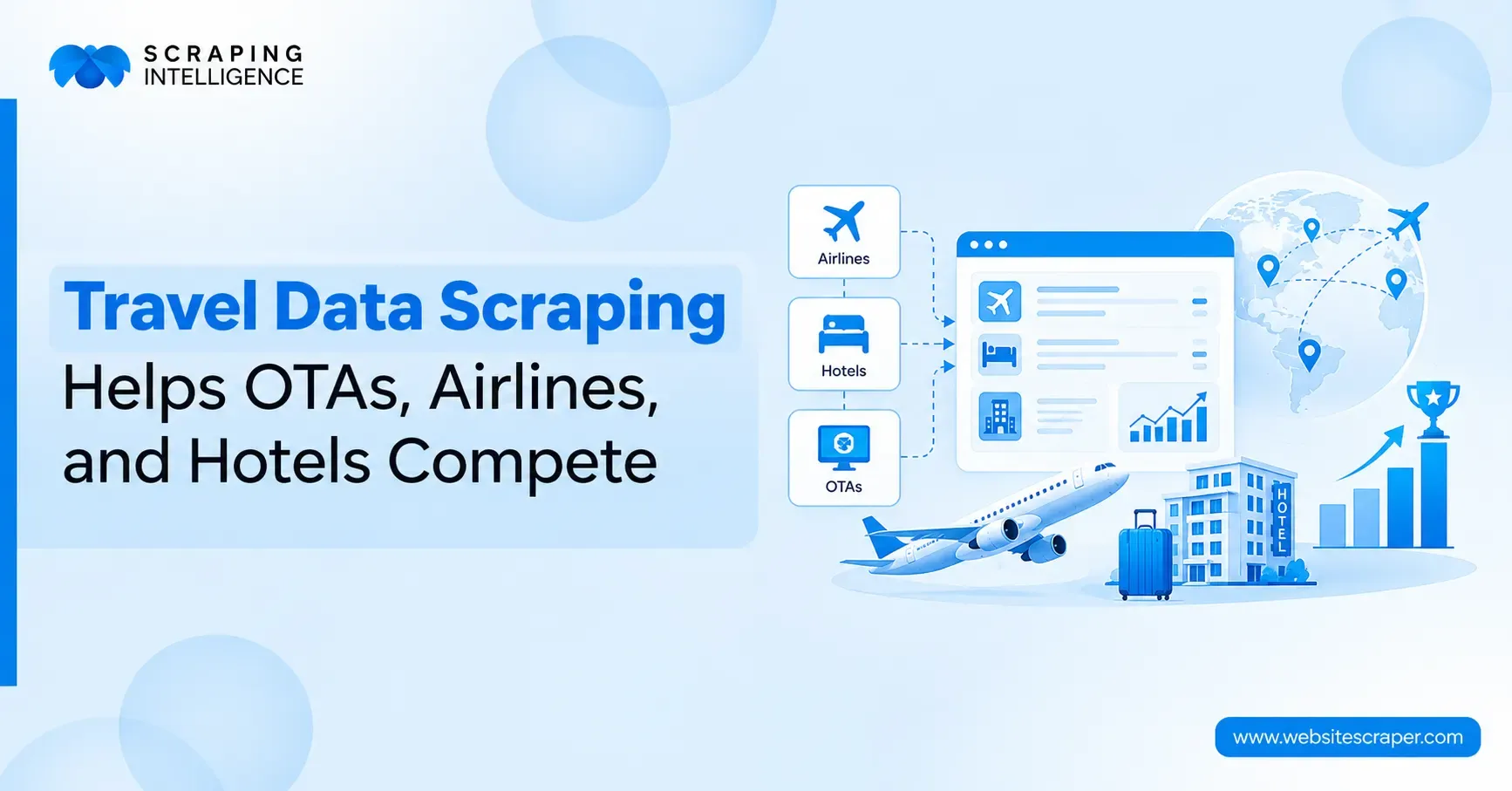
See how the travel industry uses web scraping to track fares, room rates, availability, and reviews, plus how to choose the right data extraction solution.
Discover how real estate web scraping helps agents, investors & brokers extract listings, prices & market trends. See 7 key benefits of real estate data scraping.